
Virtual Events - Product Video
Communication that makes an impact
Virtual Events - Product Video
Why this video answers the questions you have about virtual events
Most people planning a virtual event are weighing the same three things: how long setup will take, whether the audience will actually engage, and what the data protection conversation will look like. This product video takes them in that order, which makes it a useful three minutes before you commit to a platform.
Setup, guests and data
An event launches in just a few clicks: customize the registration page, send personalized emails, and you are set. Guest management runs from registration through to access with full control, and the platform connects seamlessly to any CRM, so registrations do not end up as a spreadsheet someone has to reconcile afterwards. Branding, including colors, logos, icons and fonts, is adjusted so the event looks like yours.
The features that decide whether people stay
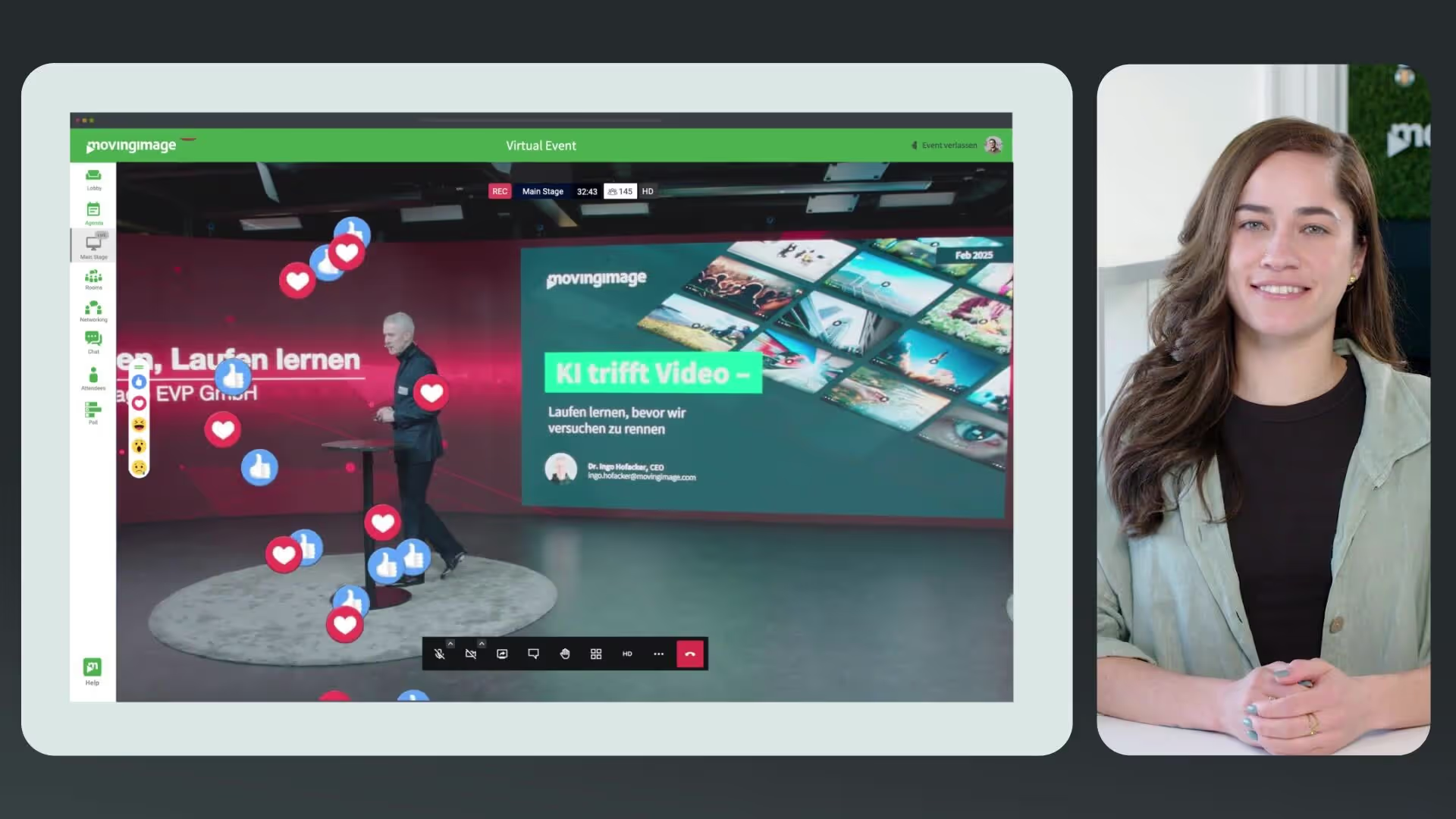
Engagement is where virtual events are won or lost, and the video demonstrates the tools directly: live Q&A, polls, chats and breakout rooms. It also covers the integration side, from embedding external video streams to setting up video calls, plus tracking, so you can measure success and refine the next event instead of guessing.
Compliance and format range
GDPR-compliant hosting on EU servers is addressed explicitly, which is usually the point at which a platform decision gets escalated internally. The video closes by mapping the platform across webinars, training sessions and large-scale conferences, so you can judge whether one tool covers your whole event calendar. Watch it, then request a free demo to walk through your own format.
.avif)


.avif)
Our Speakers
Why this video answers the questions you have about virtual events
Most people planning a virtual event are weighing the same three things: how long setup will take, whether the audience will actually engage, and what the data protection conversation will look like. This product video takes them in that order, which makes it a useful three minutes before you commit to a platform.
Setup, guests and data
An event launches in just a few clicks: customize the registration page, send personalized emails, and you are set. Guest management runs from registration through to access with full control, and the platform connects seamlessly to any CRM, so registrations do not end up as a spreadsheet someone has to reconcile afterwards. Branding, including colors, logos, icons and fonts, is adjusted so the event looks like yours.
The features that decide whether people stay
Engagement is where virtual events are won or lost, and the video demonstrates the tools directly: live Q&A, polls, chats and breakout rooms. It also covers the integration side, from embedding external video streams to setting up video calls, plus tracking, so you can measure success and refine the next event instead of guessing.
Compliance and format range
GDPR-compliant hosting on EU servers is addressed explicitly, which is usually the point at which a platform decision gets escalated internally. The video closes by mapping the platform across webinars, training sessions and large-scale conferences, so you can judge whether one tool covers your whole event calendar. Watch it, then request a free demo to walk through your own format.

Our Speakers
Voices from our customers




.avif)


.avif "Corporate Communications 2027: Agentic AI Webinar")