

Accessible videos and livestreams – your key benefits at a glance

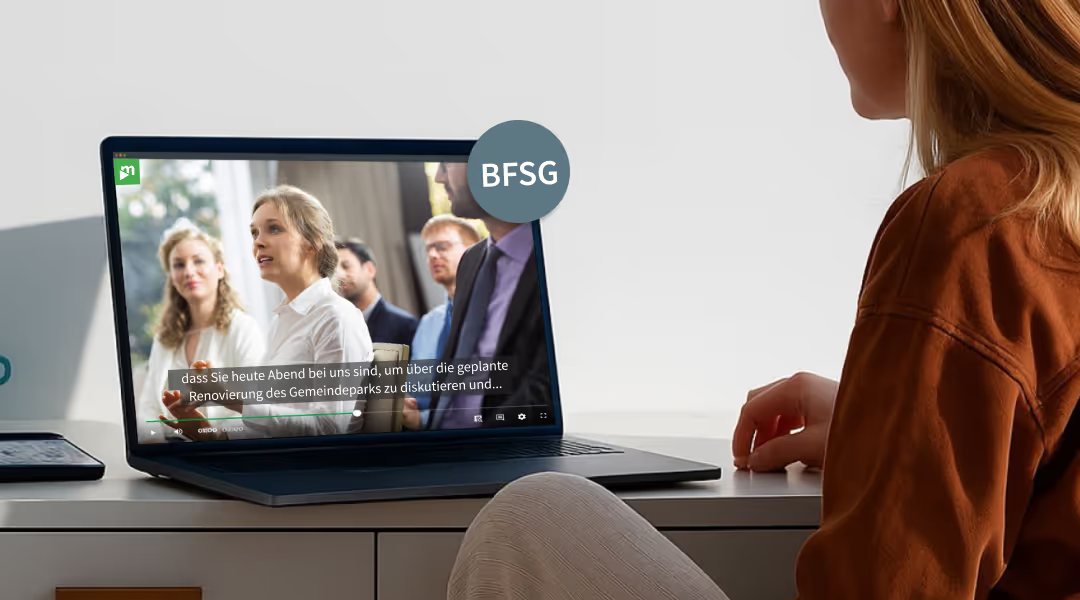
Legal compliance made easy

Greater reach and engagement

Simple implementation

Future readiness and brand trust
Use cases for accessible videos and livestreams
Accessibility made simple
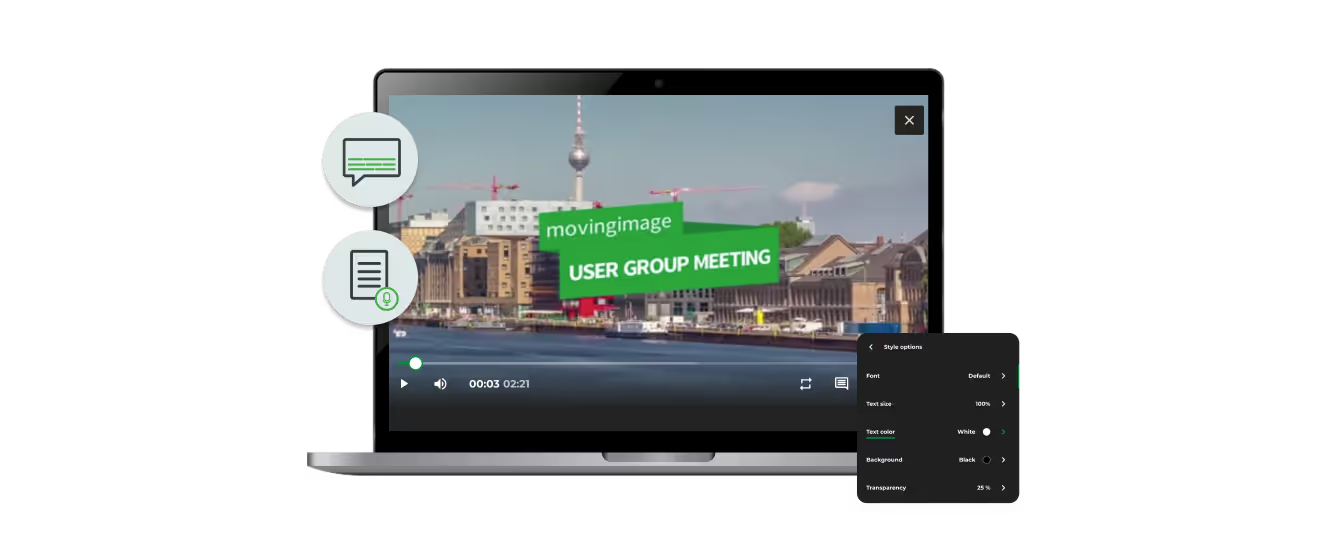
Key features:
- Subtitles & audio descriptions: Optional captions, customizable design, and support for multiple audio tracks.
- Easy navigation: Full keyboard control, clear focus indicators, and intuitive operation.
- Optimal readability: High contrast, flexible font sizes, and a clean layout across all devices.
- Compatibility: Screen reader–optimized, stable, and user-friendly – with no unexpected layout changes.
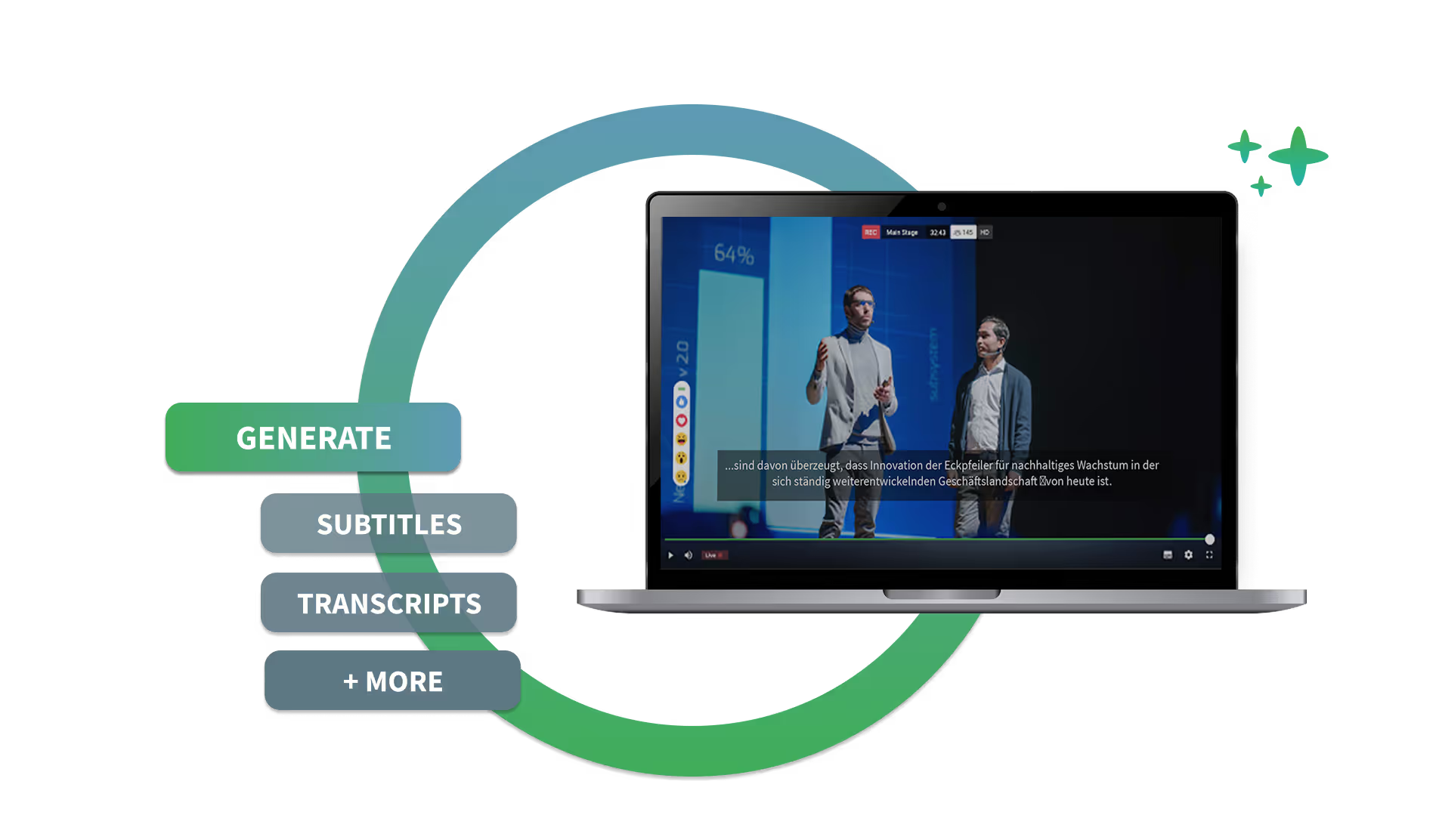
Accessibility features:
- Live subtitles: AI-powered real-time subtitles – accurate, multilingual, and fully customizable.
- Sign language integration: Interpreters displayed directly in the stream – for barrier-free communication.
- Transcription & audio description: Texts and additional audio tracks for a complete viewing experience.
- Accessible interaction: Chats and Q&As are fully keyboard-accessible and screen reader–friendly.
Checklist: accessible videos and livestreams

Free consultation
with our video experts
Frequently asked questions

What accessibility laws does movingimage help companies comply with?
movingimage's accessible video and livestreaming solutions support compliance with three core frameworks: the German Accessibility Strengthening Act (BFSG, in force since 28 June 2025), the Federal Ordinance on Barrier-Free Information Technology (BITV 2.0) which applies to German public sector bodies, and the European standard EN 301 549 which sets the EU-wide accessibility requirements for ICT products and services. All movingimage products include accessibility features by default, so companies don't need to retrofit compliance after the fact.
What makes the movingimage video player accessible?
The accessible video player ships with: optional captions and customizable subtitle design, support for multiple audio tracks (including audio descriptions for visually impaired viewers), full keyboard control with clear focus indicators, high-contrast modes and flexible font sizes, screen reader optimization, and a stable layout that doesn't shift unexpectedly. It's the default player across all movingimage products — no separate 'accessible mode' to enable, no second deployment required.
How does movingimage make livestreams accessible?
Live events use AI-powered real-time subtitles (accurate, multilingual, fully customizable in display), sign language interpreters integrated directly into the stream layout, live transcription, optional audio description tracks, and chat and Q&A interfaces that are fully keyboard- and screen-reader-accessible. This makes town halls, conferences, AGMs, product launches, and public-sector broadcasts inclusive in real time — not just in the recording afterwards.
Which languages are supported for subtitles and translations?
The Video AI Assistant generates AI-powered subtitles and translations in up to 50 languages, available both on recorded videos and on live broadcasts. This means accessibility extends beyond compliance with hearing-impairment requirements into language inclusion — international teams, distributed audiences, and non-native speakers all receive content in their preferred language.
Does accessibility deliver business value beyond legal compliance?
Yes. Accessible content reaches a wider audience (an estimated 87 million people in Europe live with disabilities), improves user satisfaction across the board, and strengthens SEO performance — transcripts and subtitles are indexed by search engines and boost discoverability. Companies that prioritize accessibility early position themselves as inclusion leaders, build lasting brand trust, and future-proof their digital communication against tightening regulations.
Is implementing accessibility difficult or expensive?
No. movingimage's accessibility features are built into the platform by default — there's no separate accessible product to deploy, no extra licenses to negotiate, and no specialist technical expertise required from the buyer's team. Adding subtitles, transcripts, and audio descriptions is automated by the Video AI Assistant. For organizations starting their accessibility journey, movingimage also publishes a free Accessibility Checklist covering the key BFSG requirements step-by-step.
Where does movingimage's accessibility solution add the most value?
Three primary use cases: Internal Communications (reaching all employees regardless of language, hearing, or device — from training sessions to CEO updates), Events & Livestreams (making digital events accessible through live captions, sign language, and keyboard navigation — for town halls, conferences, and product launches), and Corporate Websites & Marketing (accessible videos improve both user experience and SEO, while inclusive design reinforces brand message and reaches broader audiences).