

Easy. Efficient. On-brand.

VideoCreator Pro

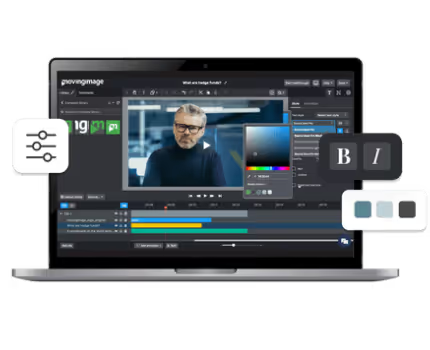
Creating videos has never been easier! Our AI-powered video creation software enables effortless video production, efficient collaboration on video projects, and seamless integration of videos into workflows and platforms.
Request a demo
Benefits

Create stunning videos in no time

With VideoCreator Pro, your team can create professional, on-brand videos in just minutes. AI-powered features, intuitive templates, and seamless collaboration tools make it easy for anyone to produce, edit, and share high-quality content across all channels.
Simple and fast videos

Simple and fast

In just a few minutes, and with the help of AI, media libraries, and customizable templates, you can create videos for your business that convey your message powerfully. User-friendly in the browser, without prior knowledge, intuitive and as easy as editing a PowerPoint presentation.
Stay on-brand with VideoCreator Pro

On-brand

Create consistent videos in the look of your brand! Define templates and design elements available to your team, such as colors and fonts, as well as media libraries. Optional approval processes guarantee that all videos comply with your corporate design guidelines.
Integrated AI for more efficiency

Efficient with AI

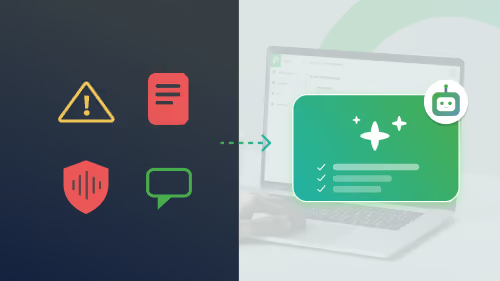
Make it easy for yourself! Text-based script creation, text summarization for scripts, automatic subtitling, translations, and audio transcription – AI generates ideas and significantly simplifies video creation.
Budget-friendly solution

Budget-friendly

With VideoCreator Pro, you can produce as many videos as you need, allowing your employees to work flexibly and independently and reap productivity benefits. Customizable license packages allow you to give access to all employees who are actively involved in video creation.
More creativity

More creativity

Fully automated video creation! Not only do you lack time, but also creativity? Based on just a little information, the AI creates a video with suitable image material that can be individually edited and adapted afterwards.
Increase the cross-team collaboration

Optimal collaboration

Create, edit and refine your videos as a team! Functional collaboration tools, feedback loops and approval processes enable efficient and smooth teamwork on video projects. Spot a typo at 01:23 minutes? No problem! Simply comment and tag your team.
Video editing icon

Templates and libraries

No need to start from scratch! Choose from a variety of customizable templates and access a curated collection of images, icons, sounds, and music to bring your story to life—faster and easier than ever.
Publishing everywhere icon

Easy publishing anywhere

Once your video is ready, sharing it is just as simple. Whether for your intranet, website, social media, or video platforms—VideoCreator Pro makes it easy to publish, download, or integrate your content wherever your audience is.
Features

AI-powered video creation:
lightning-fast, easy, and customized
Integrated AI
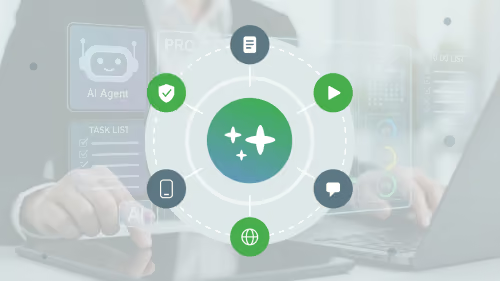
Create videos in no time with integrated AI from OpenAI, Amazon, Google, Getty Images, and Microsoft.
Text-to-video
In just one minute, you can generate a video from a simple script and add AI-generated voice-over, subtitles and visuals.
120 million media assets
Leverage footage, images, sounds, and music from Soundstripe, Unsplash, and Getty Images to create impressive corporate videos.
Customizable templates
Tailor the platform to your brand and company’s needs by providing a selection of editable templates, fonts, and media libraries.
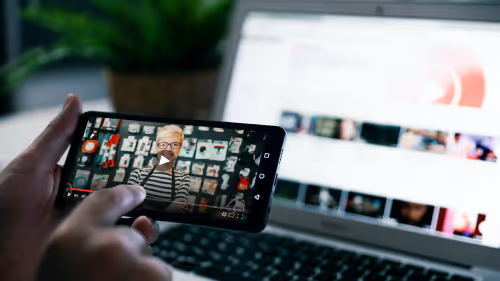
A computer with a video playing, showing subtitles
Text-to-Speech
Transform your written content into engaging audiovisual experiences with our innovative text-to–speech technology.
Auto subtitling and translation
Automatic subtitling ensures all videos are captioned, enhancing accessibility for your audience. Automatic translation features maximize your reach by providing multilingual support.
Contact us
Video AI Assistant white picto
Faster. Smarter. Cost-efficient.

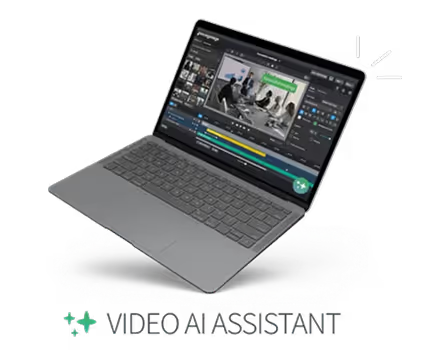
Video AI Assistant

Automates processes, reduces manual effort, and helps you cut costs, accelerate workflows, and make video content more efficient.
Learn more
Use Cases

Professional videos for every team and every message

Whether for external campaigns or internal updates—video empowers your teams to communicate more effectively and engage their audiences with ease.
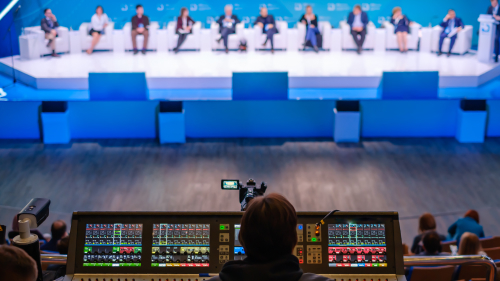
Create Events, Webinars, conferences with VideoCreator Pro

Efficient video creation for marketing teams
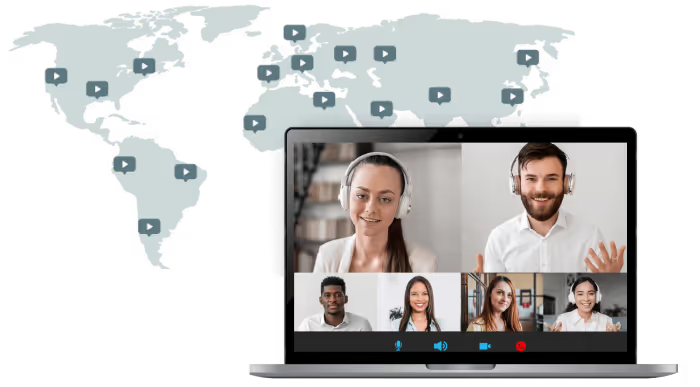
The demand for videos in marketing is growing. With VideoCreator Pro, you can easily and quickly create videos that captivate your audience and expand your brand’s reach. Transform your content—events, products, messages, information—into high-quality videos, share them across all your channels, and amplify the success of your marketing campaigns.
Learn more
Internal Communication visual

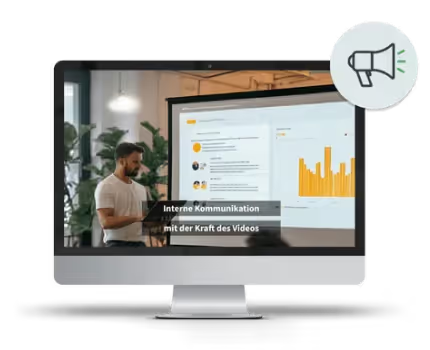
Internal communication with the power of video

Video has become a key component of internal corporate communication. From onboarding and project updates to knowledge transfer—leverage the full potential of video, empower your employees to create videos easily and quickly, and elevate your communication to the next level. Our video creation software for businesses helps you achieve this.
Learn more
Enterprise Video Platform

One video platform.
Endless possibilities.

Create, stream, manage, and analyze your videos with our all-in-one video platform. Benefit from extensive software solutions tailored to your needs. Enjoy consolidated video expertise all in one place!
All-in-One Video Platform
Trusted by leading companies

Voices from our customers

"Movingimage is a constant source of inspiration thanks to the continuous development of its products, enabling us to use new functions and think ahead on certain topics. That is incredibly enriching for us."
Martina Herak
IT Business Analyst
"The good thing about the Virtual Events tool is definitely that we have everything on one platform. We no longer need to send multiple links to the customer or use different dialing systems; instead, we have everything in one place."
Anna Sabine Dennert
Marketing
"Good, reliable streaming quality, flexible to configure and manage, easy to use. The software has convinced us all around."
Tim Wolff
Marketing
"With VideoManager Pro, we were able to seamlessly accommodate all of our numerous technical and procedural requirements for integrating over 1000 campaign and product videos into our online shops. Maximum flexibility in application, unwavering technical stability, and professional support characterize movingimage."
Jochen Kistner
Head of eCommerce
"The smooth cooperation with movingimage enabled us to explore new paths for Charité. What an achievement, we were able to set up a digital event in no time at all."
Susanne Nitzsche
Head of Employer Branding & HR digitalization
From our blog

Insights, tips, and inspiration

Stay up to date with the latest trends, best practices, and expert advice from the world of corporate video.
Visit the Knowledge Center
Case Study

Success Story - inKlub Investors Day 2025

Read More
Webinar

8 AI Trends That Will Transform Your Video Communication in 2026

Read More
Blog Post

The future is video: 8 AI trends shaping Corporate Communications in 2026

Read More
Blog Post

Microsoft Stream vs. movingimage: which platform is right for your business?

Read More
Webinar

Digitalization in practice: From livestream to media library – six steps to greater citizen engagement

Read More
Webinar

The new VideoManager Pro: Work smarter, reach your goals faster

Read More
You still have questions?

Frequently asked questions

Our professional video solutions provide everything you need for outstanding video experiences throughout your entire organization.
movingimage arrow

Can teams create videos collaboratively?

Yes. VideoCreator Pro supports collaborative workflows with role-based permissions, version control, approval processes, and centrally managed asset libraries. This enables teams to produce video content efficiently and in a coordinated way.

movingimage arrow

Do I need video editing experience to use VideoCreator Pro?

No. VideoCreator Pro is designed to be used without any technical or editing experience. With intuitive templates, drag-and-drop elements, and guided workflows, even beginners can create professional videos with ease.

movingimage arrow

Does VideoCreator Pro support AI features?

Yes. VideoCreator Pro includes AI-powered features such as automatic subtitles, translations, text-to-speech, script generation, and automated editing enhancements. These capabilities speed up production and improve accessibility.

movingimage arrow

How can videos be published or further processed?

Finished videos can be transferred directly to VideoManager Pro, downloaded, or integrated into other systems. This makes VideoCreator Pro seamlessly compatible with existing video and content workflows.

movingimage arrow

How flexible is the branding in VideoCreator Pro?

Branding is fully customizable. Companies can centrally define colors, fonts, logos, intro and outro elements, and layouts, ensuring that every video created aligns with their corporate identity.

movingimage arrow

How secure is the use of VideoCreator Pro?

VideoCreator Pro is operated in full compliance with GDPR, uses EU-based hosting infrastructure, and offers security features such as single sign-on, encrypted processing, and role-based access control. This ensures that all content and user data remain protected at all times.

movingimage arrow

What is VideoCreator Pro?

VideoCreator Pro is a web-based tool from movingimage that enables companies to quickly and easily create brand-compliant videos. The platform combines professional templates with intuitive editing features, allowing teams to produce high-quality videos without any design or video editing experience.

movingimage arrow

What templates are available in VideoCreator Pro?

VideoCreator Pro offers a selection of professional templates optimized for various video lengths, formats, and communication purposes. These templates provide a solid foundation that can be easily adapted to your brand and enriched with your own content.

movingimage arrow

Which media can I use in VideoCreator Pro?

Users can upload and use their own media such as images, videos, music, logos, or text. Companies can also provide central asset libraries to ensure consistent use of brand elements.

movingimage arrow

Which use cases is VideoCreator Pro suitable for?

VideoCreator Pro can be used for a wide range of communication needs, including internal updates, social media videos, training and onboarding content, product and service introductions, and event recaps. The tool supports any team or department that needs to produce videos on a regular basis.

Connect

Book a free consultation with our video experts

Our experts are here to support you. Book a free consultation to discuss your specific use case and discover the best video solution for your needs.
A person contacting movingimage through a laptop