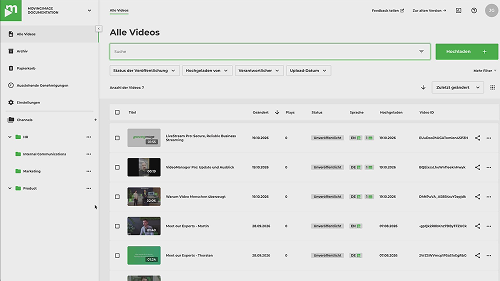


New in VideoManager Pro: Smart Upload for easier video uploads
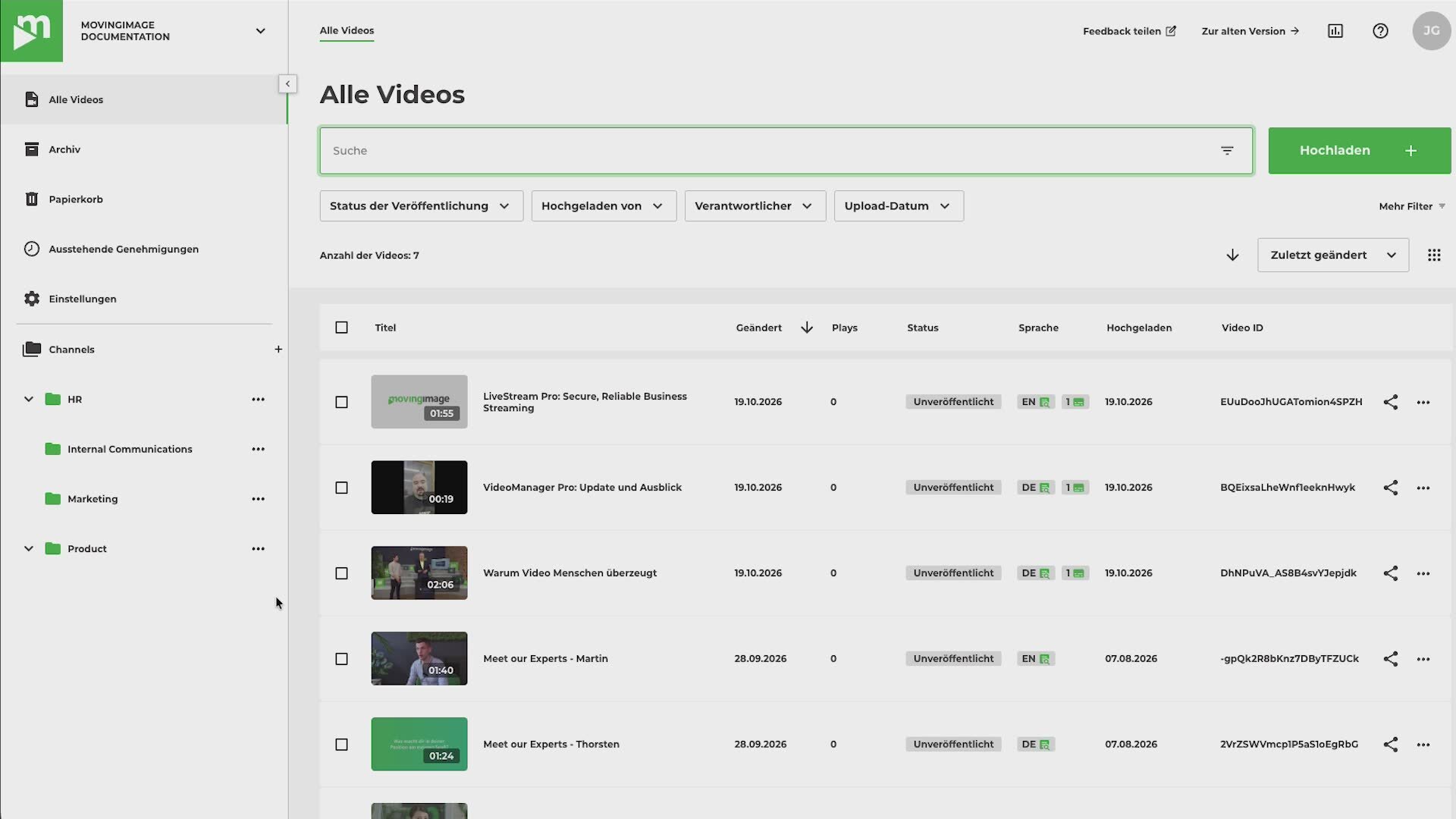
Communication that makes an impact
New in VideoManager Pro: Smart Upload for easier video uploads
Multiple video sources. One workflow. Full control.
Not everyone contributing videos to your projects works in VideoManager Pro. Whether employees, external agencies, or partners, videos are often shared via email or file-sharing links. Important information may be missing and needs to be requested or added manually.
Smart Upload brings everything into one consistent workflow. Contributors upload their videos through a dedicated link without needing their own VideoManager Pro account. You decide what information is required, which channel the videos are added to, and whether they need to be reviewed before publication.
Custom upload forms tailored to your needs
The form builder lets you define exactly what information contributors need to provide, including titles, descriptions, keywords, and custom metadata fields. You can make fields mandatory, prefill information, and customize the upload page to match your company's branding.
You also control who can use each upload link. Restrict access to specific email addresses or domains, or set a defined period during which the link remains active. This makes it easy to collect videos for specific campaigns, events, or projects.
Control before publication
With the optional approval workflow, you decide which videos become available in your video library. Designated approvers receive an automatic email notification and can review submitted videos along with all relevant information before approving or rejecting them.
Until approved, videos remain hidden and cannot be published. Approvers don't need their own VideoManager Pro account either.
Less manual work, consistent information
Smart Upload simplifies collaboration with internal and external contributors. Videos arrive in VideoManager Pro with the required metadata, every upload remains traceable, and approvals follow a clearly defined process. This reduces manual work and gives you greater visibility and control.
Interested in using Smart Upload with your VideoManager Pro? Contact us to discuss your requirements and receive a tailored offer.
.avif)


.avif)
Our Speaker
Multiple video sources. One workflow. Full control.
Not everyone contributing videos to your projects works in VideoManager Pro. Whether employees, external agencies, or partners, videos are often shared via email or file-sharing links. Important information may be missing and needs to be requested or added manually.
Smart Upload brings everything into one consistent workflow. Contributors upload their videos through a dedicated link without needing their own VideoManager Pro account. You decide what information is required, which channel the videos are added to, and whether they need to be reviewed before publication.
Custom upload forms tailored to your needs
The form builder lets you define exactly what information contributors need to provide, including titles, descriptions, keywords, and custom metadata fields. You can make fields mandatory, prefill information, and customize the upload page to match your company's branding.
You also control who can use each upload link. Restrict access to specific email addresses or domains, or set a defined period during which the link remains active. This makes it easy to collect videos for specific campaigns, events, or projects.
Control before publication
With the optional approval workflow, you decide which videos become available in your video library. Designated approvers receive an automatic email notification and can review submitted videos along with all relevant information before approving or rejecting them.
Until approved, videos remain hidden and cannot be published. Approvers don't need their own VideoManager Pro account either.
Less manual work, consistent information
Smart Upload simplifies collaboration with internal and external contributors. Videos arrive in VideoManager Pro with the required metadata, every upload remains traceable, and approvals follow a clearly defined process. This reduces manual work and gives you greater visibility and control.
Interested in using Smart Upload with your VideoManager Pro? Contact us to discuss your requirements and receive a tailored offer.

Our Speakers
Voices from our customers





.avif)