

movingimage VideoCreator Pro
Communication that makes an impact
movingimage VideoCreator Pro
Why this flyer is worth your time
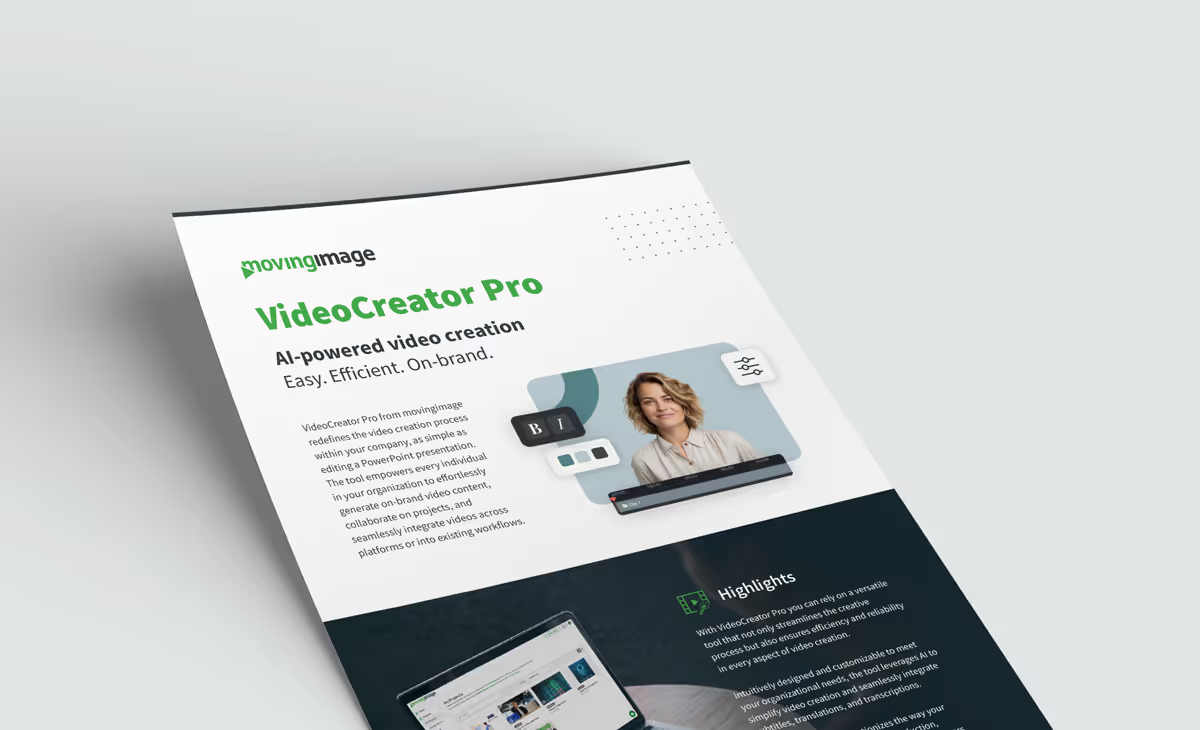
Most organizations do not have a video bottleneck because people lack ideas. They have one because production sits with a small team and a long queue. This flyer explains how VideoCreator Pro removes that bottleneck by making video creation about as complex as editing a PowerPoint slide, so subject-matter experts can produce content themselves without waiting on an agency or an in-house studio.
What the document covers
You get a clear overview of the feature set: customizable templates locked to your brand colors, fonts and media libraries; screen and webcam recording; auto-subtitling and automated translation; text to speech and audio transcription; and both desktop and mobile applications. It also explains how projects are shared with reviewers, so feedback happens inside the tool rather than across email threads.
Where AI changes the workflow
The AI-powered capabilities are the part worth reading closely. Auto-subtitling and automated translation turn a single recording into something several regions can use, and text to speech removes the need for a recording booth. For teams publishing regularly, this is where the real savings in cost and turnaround time come from.
Who benefits
Internal communications, HR and training, product marketing, and anyone running a channel that needs a steady stream of on-brand video. The flyer works as a compact business case you can forward to a manager or a procurement stakeholder: it sets out what the tool does, how it integrates into existing workflows, and why decentralized video creation does not have to mean losing brand control.
.avif)


.avif)
Our Speakers
Why this flyer is worth your time
Most organizations do not have a video bottleneck because people lack ideas. They have one because production sits with a small team and a long queue. This flyer explains how VideoCreator Pro removes that bottleneck by making video creation about as complex as editing a PowerPoint slide, so subject-matter experts can produce content themselves without waiting on an agency or an in-house studio.
What the document covers
You get a clear overview of the feature set: customizable templates locked to your brand colors, fonts and media libraries; screen and webcam recording; auto-subtitling and automated translation; text to speech and audio transcription; and both desktop and mobile applications. It also explains how projects are shared with reviewers, so feedback happens inside the tool rather than across email threads.
Where AI changes the workflow
The AI-powered capabilities are the part worth reading closely. Auto-subtitling and automated translation turn a single recording into something several regions can use, and text to speech removes the need for a recording booth. For teams publishing regularly, this is where the real savings in cost and turnaround time come from.
Who benefits
Internal communications, HR and training, product marketing, and anyone running a channel that needs a steady stream of on-brand video. The flyer works as a compact business case you can forward to a manager or a procurement stakeholder: it sets out what the tool does, how it integrates into existing workflows, and why decentralized video creation does not have to mean losing brand control.

Our Speakers
Voices from our customers




.avif)
.avif "Corporate Communications 2027: Agentic AI Webinar")