

LiveStream Pro - Product Video
Communication that makes an impact
LiveStream Pro - Product Video
Why this is the fastest briefing on enterprise live streaming
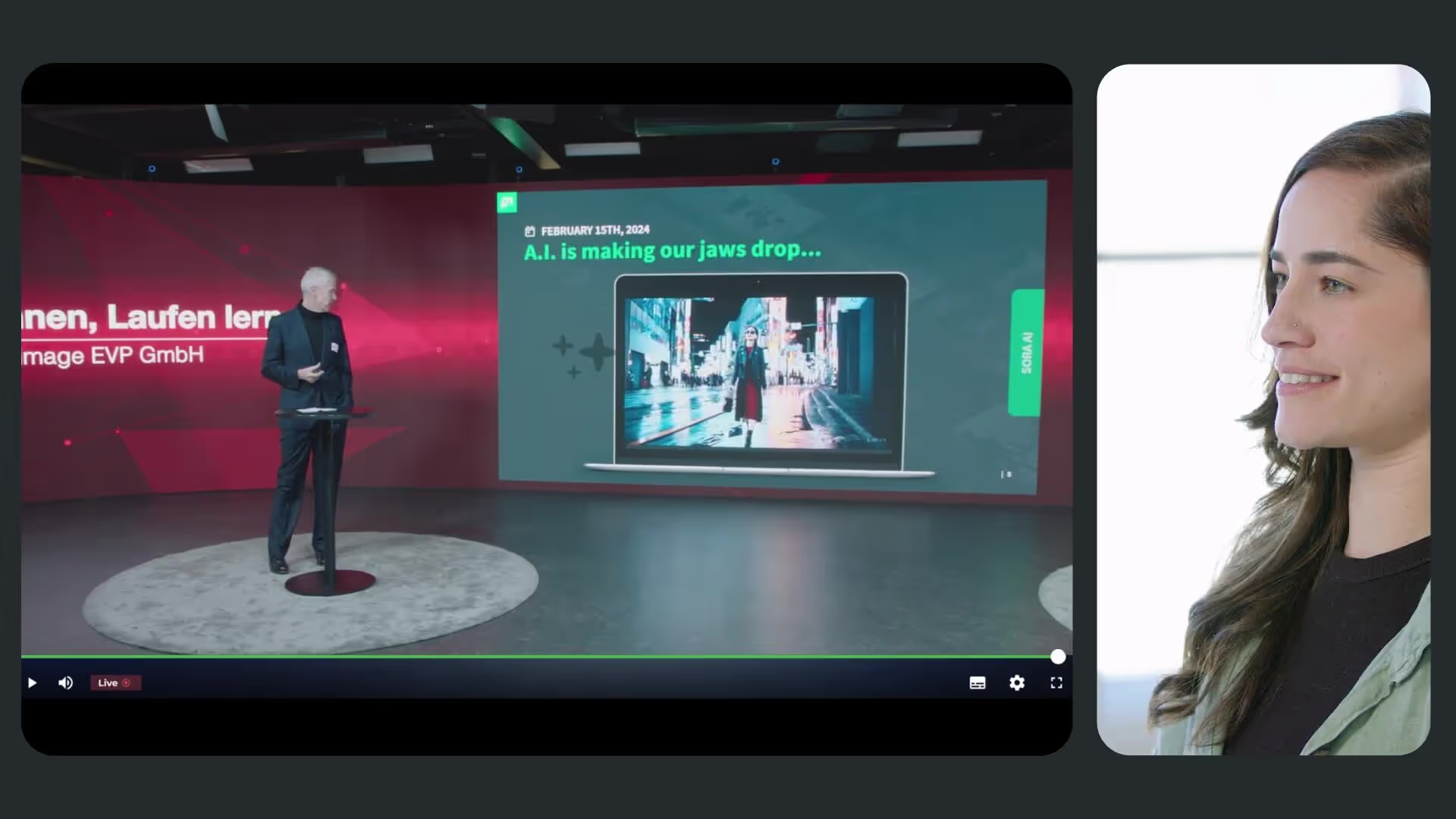
When a live event matters, the things that go wrong are predictable: picture quality drops, security was never properly thought through, and the tools involved do not talk to each other. This product video is a compact walkthrough of how LiveStream Pro is built around those three failure modes.
Going live without a production crew
The first part shows the setup: no complex configuration, live in just a few clicks. Adaptive streaming keeps quality high on any device, and geo-redundant automatic failover keeps the stream running even if a device fails or the internet connection drops. That failover is the detail worth pausing on, because it separates a professional broadcast from a livestream you have to apologize for afterwards.
Access control you actually define
Security comes next: end-to-end encryption, single sign-on and role-based access controls mean you decide who gets in. Hosting is GDPR-compliant on EU-certified servers. If sign-off from your legal team or works council depends on these points, this passage answers them directly.
Branding and reach
The video closes on the parts your audience notices. Fonts, colors and logos can be customized so the stream looks like your company rather than a platform. AI-generated subtitles and real-time translation mean the message lands whether someone is tuning in from another country or watching without sound, which for internal streams during a working day is most people. Watch the full flow, then request a free demo to test it against your next event.
.avif)


.avif)
Our Speakers
Why this is the fastest briefing on enterprise live streaming
When a live event matters, the things that go wrong are predictable: picture quality drops, security was never properly thought through, and the tools involved do not talk to each other. This product video is a compact walkthrough of how LiveStream Pro is built around those three failure modes.
Going live without a production crew
The first part shows the setup: no complex configuration, live in just a few clicks. Adaptive streaming keeps quality high on any device, and geo-redundant automatic failover keeps the stream running even if a device fails or the internet connection drops. That failover is the detail worth pausing on, because it separates a professional broadcast from a livestream you have to apologize for afterwards.
Access control you actually define
Security comes next: end-to-end encryption, single sign-on and role-based access controls mean you decide who gets in. Hosting is GDPR-compliant on EU-certified servers. If sign-off from your legal team or works council depends on these points, this passage answers them directly.
Branding and reach
The video closes on the parts your audience notices. Fonts, colors and logos can be customized so the stream looks like your company rather than a platform. AI-generated subtitles and real-time translation mean the message lands whether someone is tuning in from another country or watching without sound, which for internal streams during a working day is most people. Watch the full flow, then request a free demo to test it against your next event.

Our Speakers
Voices from our customers





.avif)

.avif "Corporate Communications 2027: Agentic AI Webinar")